Git Worktree
Documentation for Git Worktree plugin for Jetbrains family of IDEs.

Documentation for Git Worktree plugin for Jetbrains family of IDEs.
Git worktrees is a feature that allows developers to maintain multiple working directories within a single Git repository, enabling simultaneous work on different branches or versions without the need for separate clones. This feature enhances workflow flexibility by letting users create isolated workspaces, each with its own set of files and branches, while sharing the same underlying repository data. Worktrees facilitate concurrent development, testing, or bug fixing by providing a lightweight and efficient solution for managing multiple contexts within a single repository.
Worktrees can cover various use-cases and options available during creation reflect that. The process can be started from the following UI areas:
Git > Log view (paid) context menu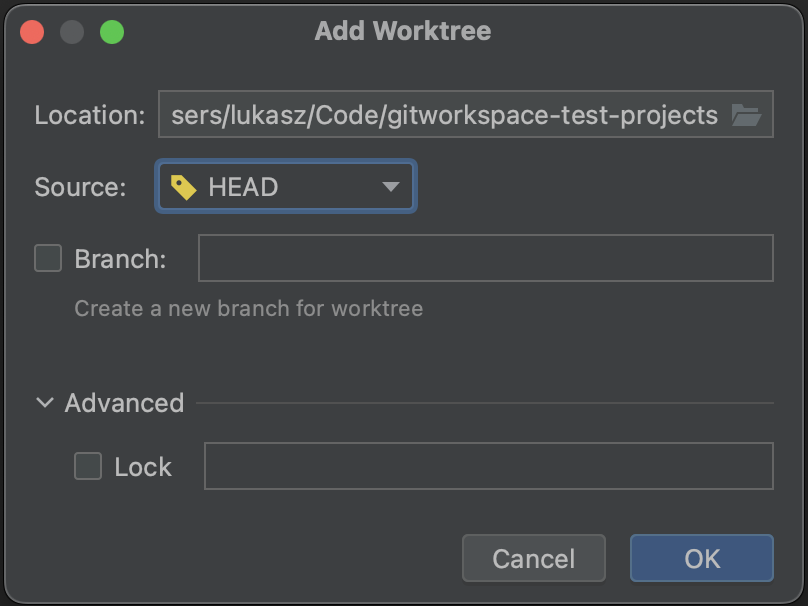
Worktrees related to repositories in the current project can be viewed in the dedicated view Git > Worktree
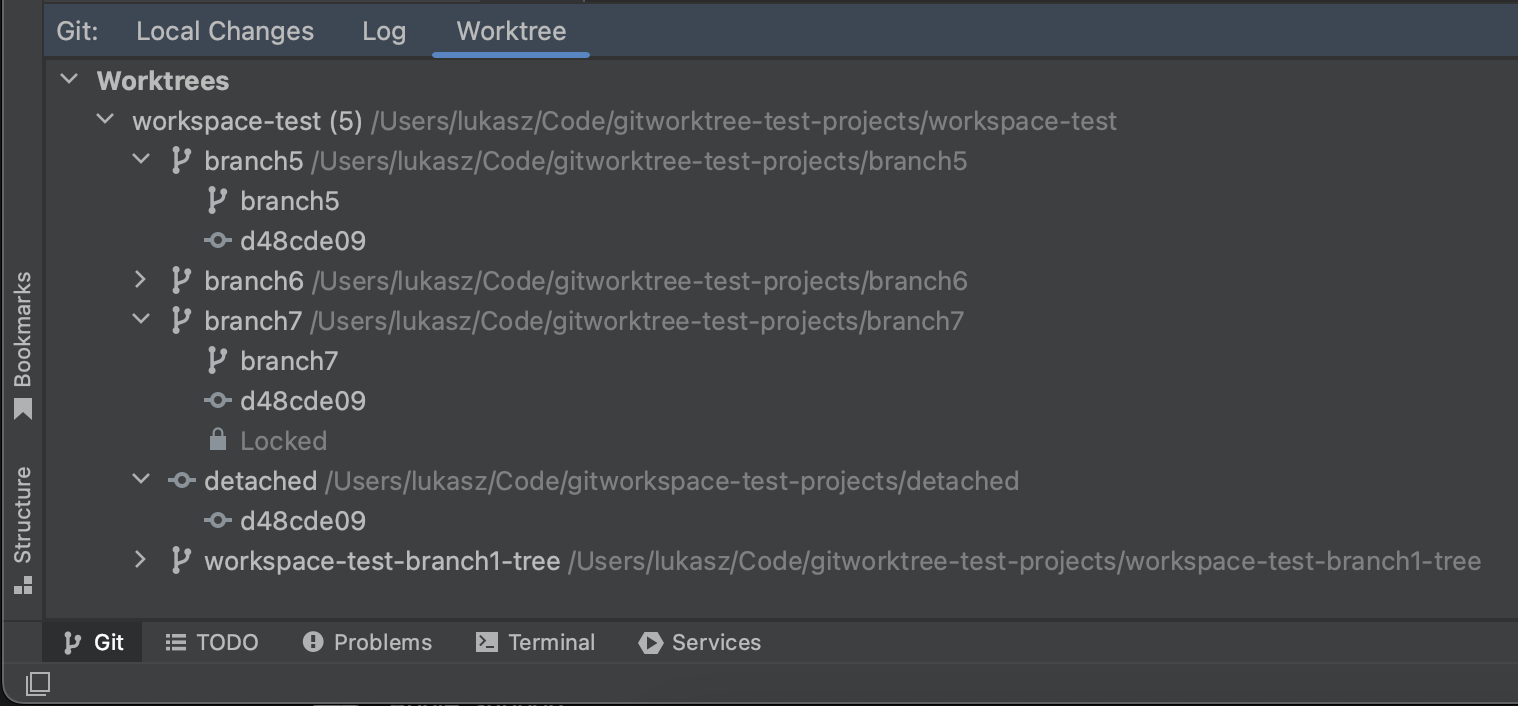
Worktrees corresponding to current project repositories are omitted from the view. Entries have different icons denoting if they correspond to a branch or to an exact commit:
In addition to normal worktree removal, there are options available to force it:
See git-worktree docs for more information.
This is a paid feature.
Worktrees can be locked on creation and they can be locked / unlocked from Worktree view
Locked worktree it is exempt from pruning by git worktree prune
This is a paid feature.
Allows quickly opening other worktree as a project.
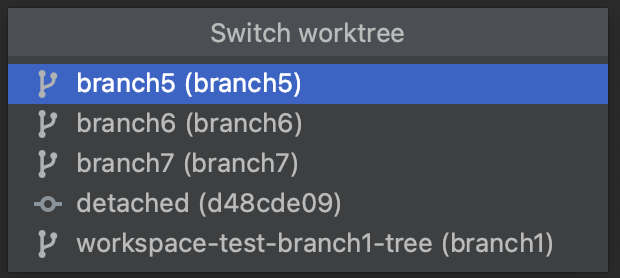
This is a paid feature.
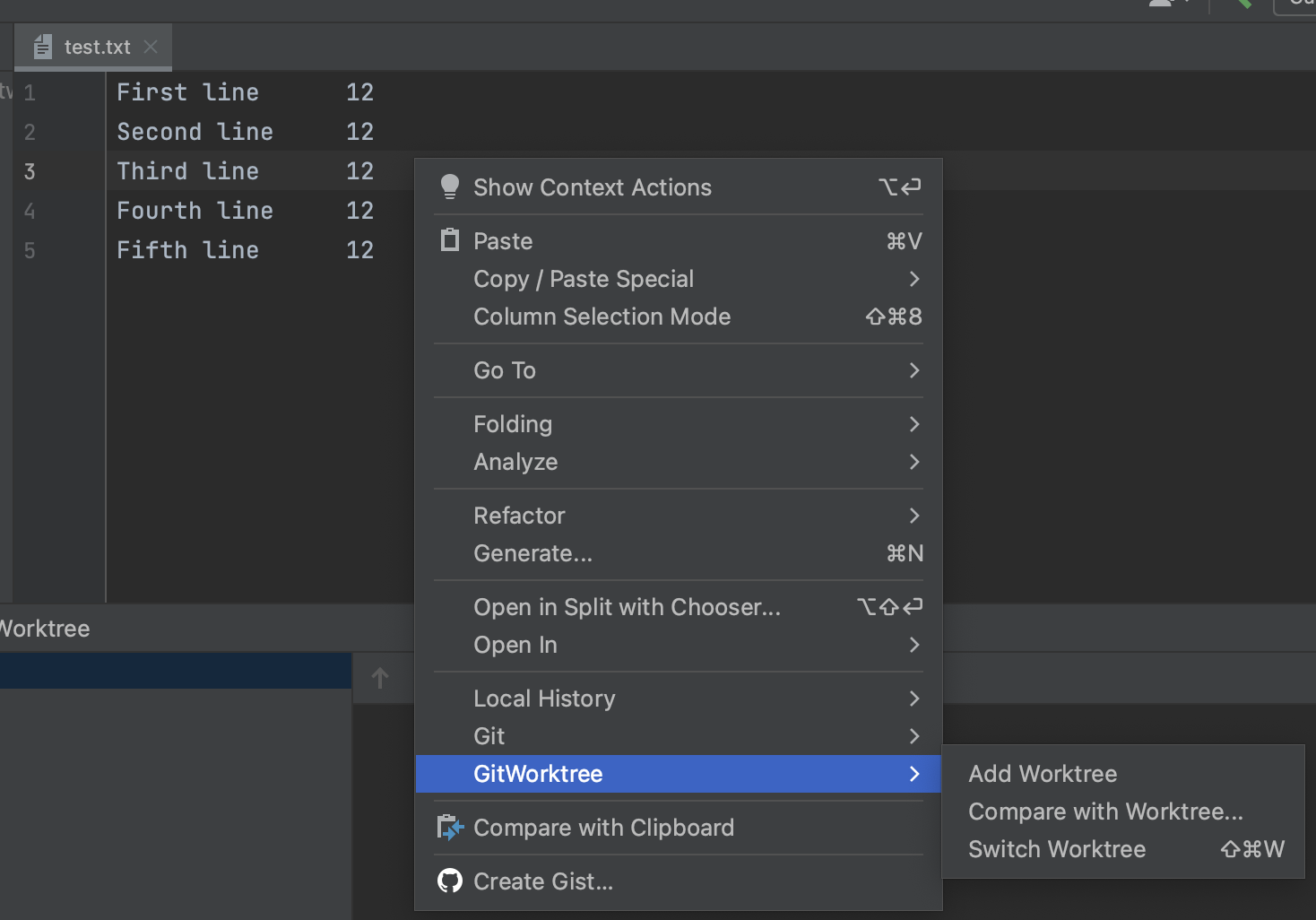
This feature allows comparing file or whole directory with the same path but in other worktree.
Comparison is started from the context menu of editor or Project View.
Plugin is developed and delivered in freemium model.
License text is available in plugin configuration > About > License tab
All features available before 500.x.y version will stay free and receive fixes and occasional updates. Features marked as paid are available upon purchasing license using Jetbrains Marketplace.
Developer – the author of Plugin: Łukasz Zieliński.
Plugin does not collect nor send any private information. Network activity is feature-related only.
